All Posts
Bulletin № 39, Babytown
Our son was born 3 months ago. That's still a weird sounding sentence to me. It feels more like a little goblin boy showed up one day demanding milk and wailing ceaselessly into the night. Coincidentally, my pace of work recently has been a lot slower than I'd like.
I'm still struggling to find a routine that works. But these days things are a little easier. He even smiles sometimes – although I'm not completely convinced it's at me.
What's New in Kinopio
This time around, the big new updates were guided by teams in the Kinopio Pilot Program. One team is now fully onboarded, and the other one is still ongoing. The goal is to make Kinopio a tool you can enjoy using at home and at work.
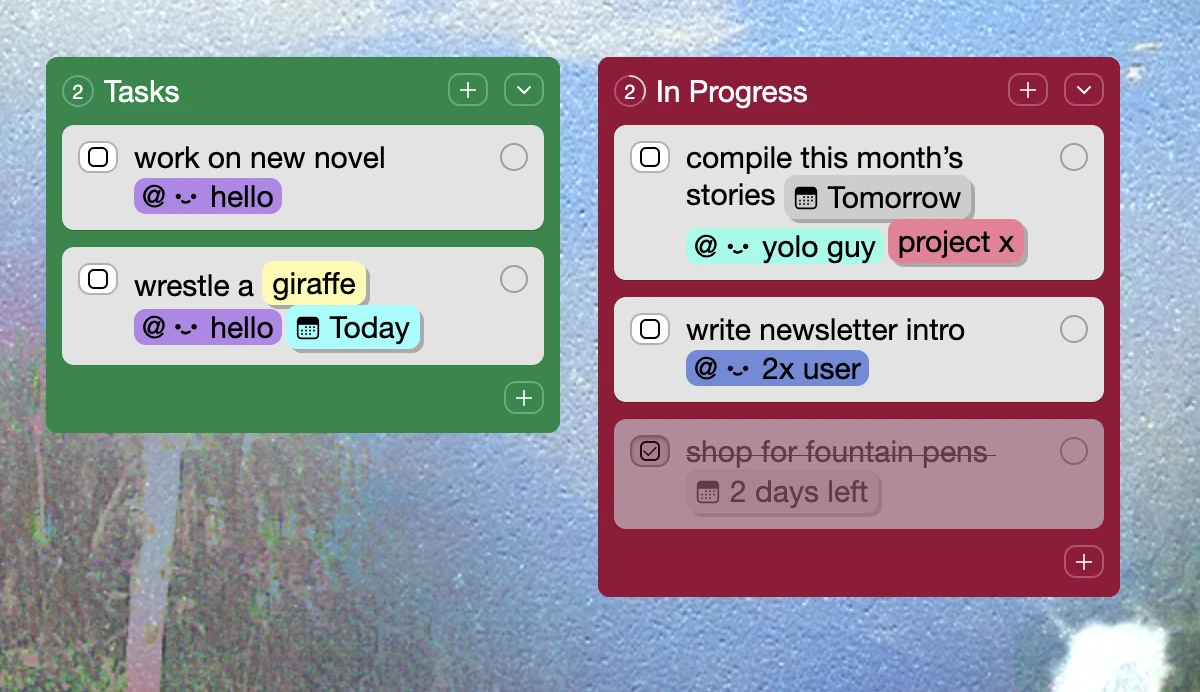
When you need to answer the questions “who’s doing what”, and “when is it due?”, @mention collaborators to assign or add a due date. If you're @mentioned, or the due date arrives, you'll get an email notification. Combine these with checkboxes and tags and you have all the elements of project management.
Use the Right-Side TOC (Table of Contents) to jump between boxes and lists in a space. Also great for presentations because you can separate your ‘slides’ and use the TOC to display an overview of your talk and then jump to the next topic.
I presented a Kinopio board to my students instead of a slideshow, and they were taking pictures of it. It’s been the talk of the town/class.
Thanks again for the joy! - Maria
Sometimes you just want more control over connection lines. You may want them to come out from a different side, or to bend them around stuff. Well good news, now you can Drag to Bend Connections. It seems obvious in retrospect, but the design evolved over months.
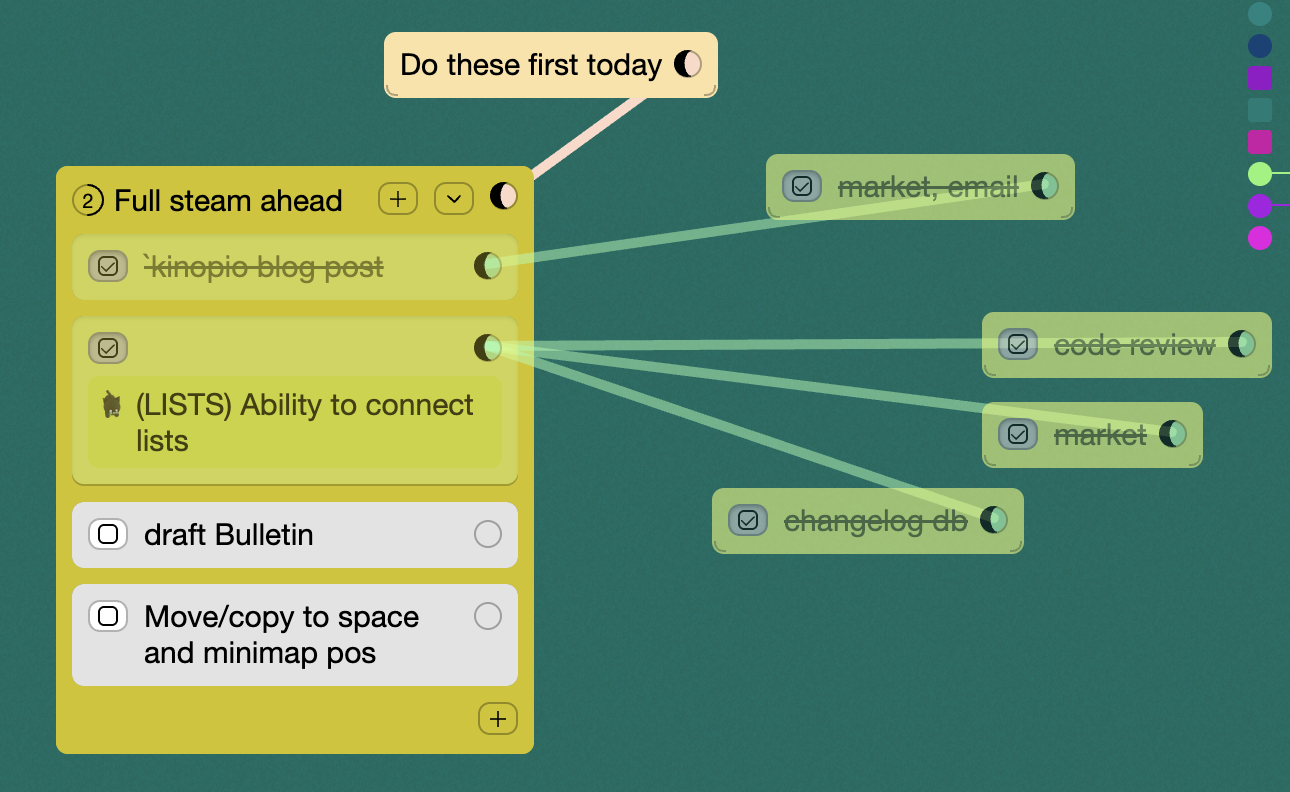
Relatedly, you can now Connect to Lists, just like cards and boxes.
A lot of people complained that liked the idea of drawing on their spaces, but you weren't able to Move Drawings with your content. Well of course, now you can.
To move drawings, select them with either cmd/ctrl-a to select all, or by hovering over the window edge and dragging to select all below.
And if your drawing is fully inside a box, you can drag the box to move it. Kinda like a picture frame.
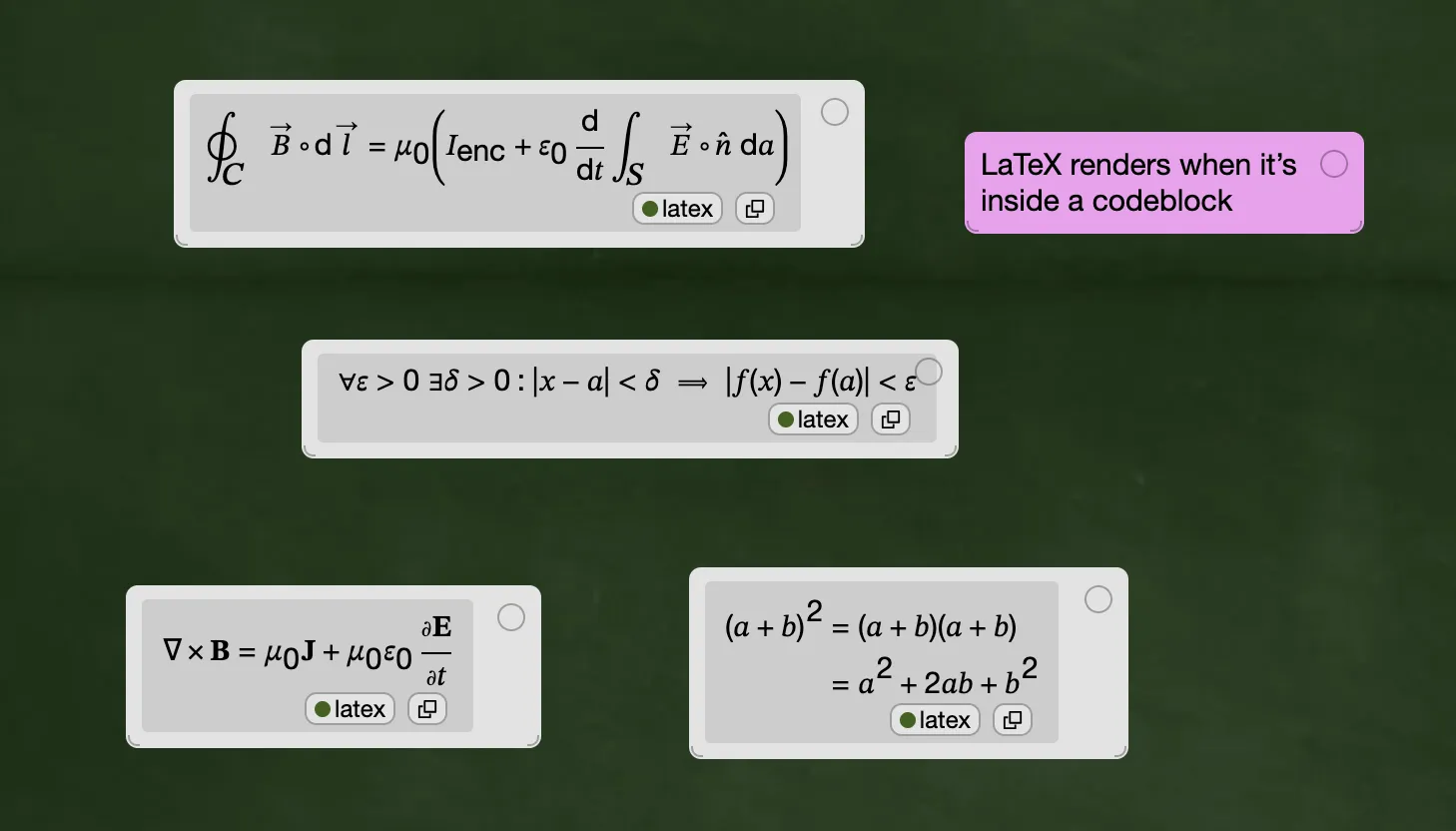
Scientific, academic, and engineering research comes to Kinopio with LaTeX support for all your math formula needs.
Widely requested by Kinopio DnD groups, and by people who want to match their card colors to space backgrounds is the ability to Set Your New Card Color Per Space
And finally, going from brainstorm to project is literally a snap because you can Snap Cards Together to make lists.
Besides that, a lot of work went on behind the scenes to make Kinopio faster to run and easier to update. This includes a new blog and help site.
And one last thing, to make Kinopio sustainable long-term, it needs a better balance between subscription and lifetime customers. So I'll likely increase the lifetime plan price from $250 to $300 next month. So if you wanted that sweet one-time purchase, now's a great time.

Until next time,
(*・_・)ノ⌒*
– Piri, Kinopio Creator