


Have you ever felt the need for a handy place to work on some longer-form text associated with a space, or little private place draft a note before sharing it in a card?
For each space you get your own personal notepad in the sidebar that only you can see.
Sidebar → Note
PROTIP: if the sidebar is pinned, connect selected items into the note to copy them.
Also, you can now drag to resize the sidebar for roomier typing
A Tangent about "Distraction-Free" Writing
While this was a long standing feature request, I mostly built it for myself to solve the hardest part of writing anything: getting over the hump of the first paragraph.
When I write blog posts or long emails, I often have a little TextEdit or IA Writer window open next to the Kinopio app. But it's nice to have that built in and be able to interact with it in the actual space with my notes and thoughts.
Most specialty text editors sell you on the idea of a "distraction-free" writing experience. The writing app covers everything to present you with just a white screen and a cursor. Evoking the atmosphere of a writer isolated in the woods, just a cup of coffee and their typewriter. Deep-focus achieved.
Hiding UI that you don't need for the task can certainly be a good thing. But writing, like thinking, isn't a straight line from the mind to the page. It's more likely that the productive cabin writer would have ideas, outlines, and moodboards next to them. These aren't distractions, they're important references.
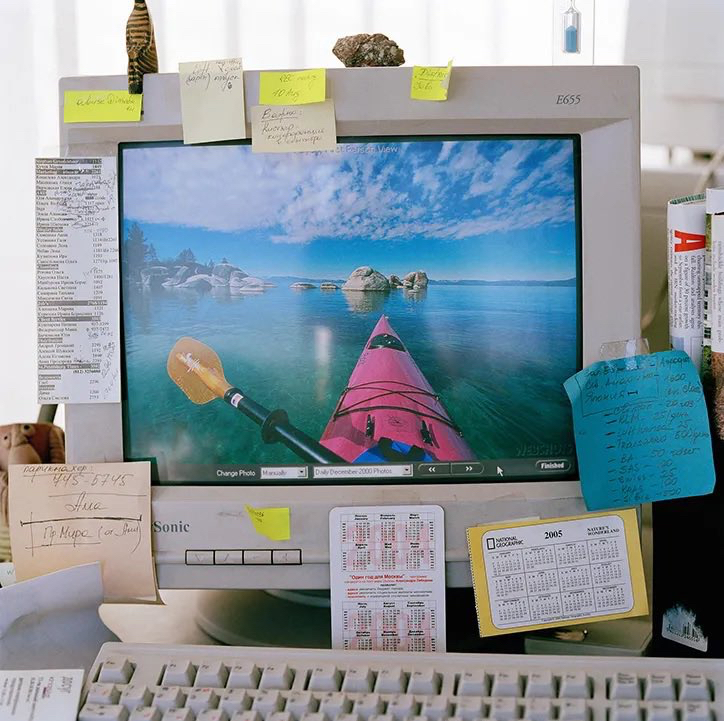
(source) Now that's a workspace.
Notes as a Collaboration Scratchpad
While collaborating, Kinopio shows what you're typing as you're typing it. Some might find this intimidating if they haven't really yet solidified an idea. Because space notes are only visible to you, you can use this area as a little scratchpad to draft your cards before pasting them in.