


Hi friends,
It's not quite summer yet but the trees outside our new apartment make it feel like we're in a treehouse.
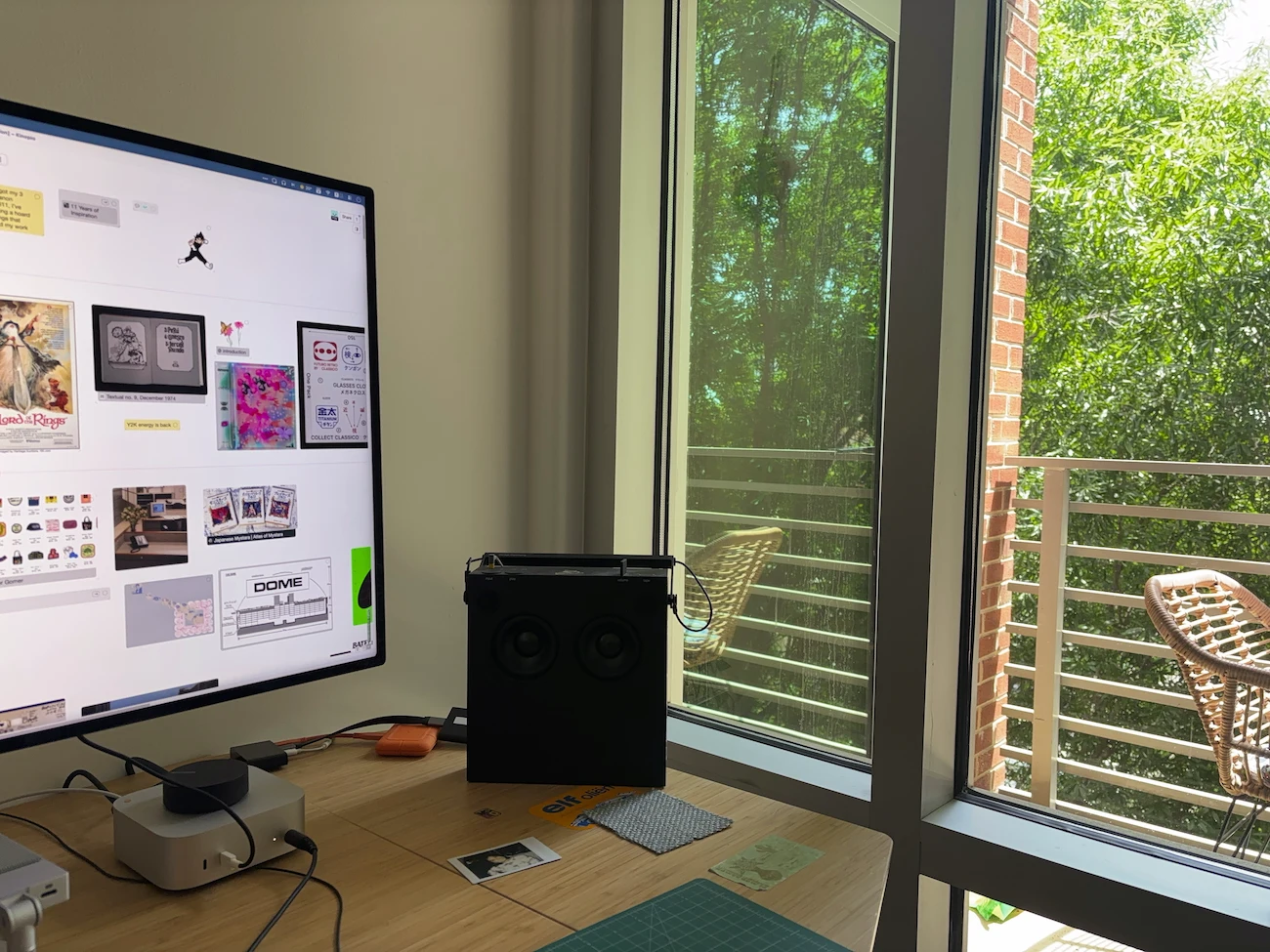
You might've seen this already if you're on the discord, but let's start with a 👼 Baby Alert. My wife and I are expecting a baby boy in ~two months. To say we're under-prepared is an understatement. (Fortunately we have a good tool for coordinating tasks and figuring things out).
What's New in Kinopio
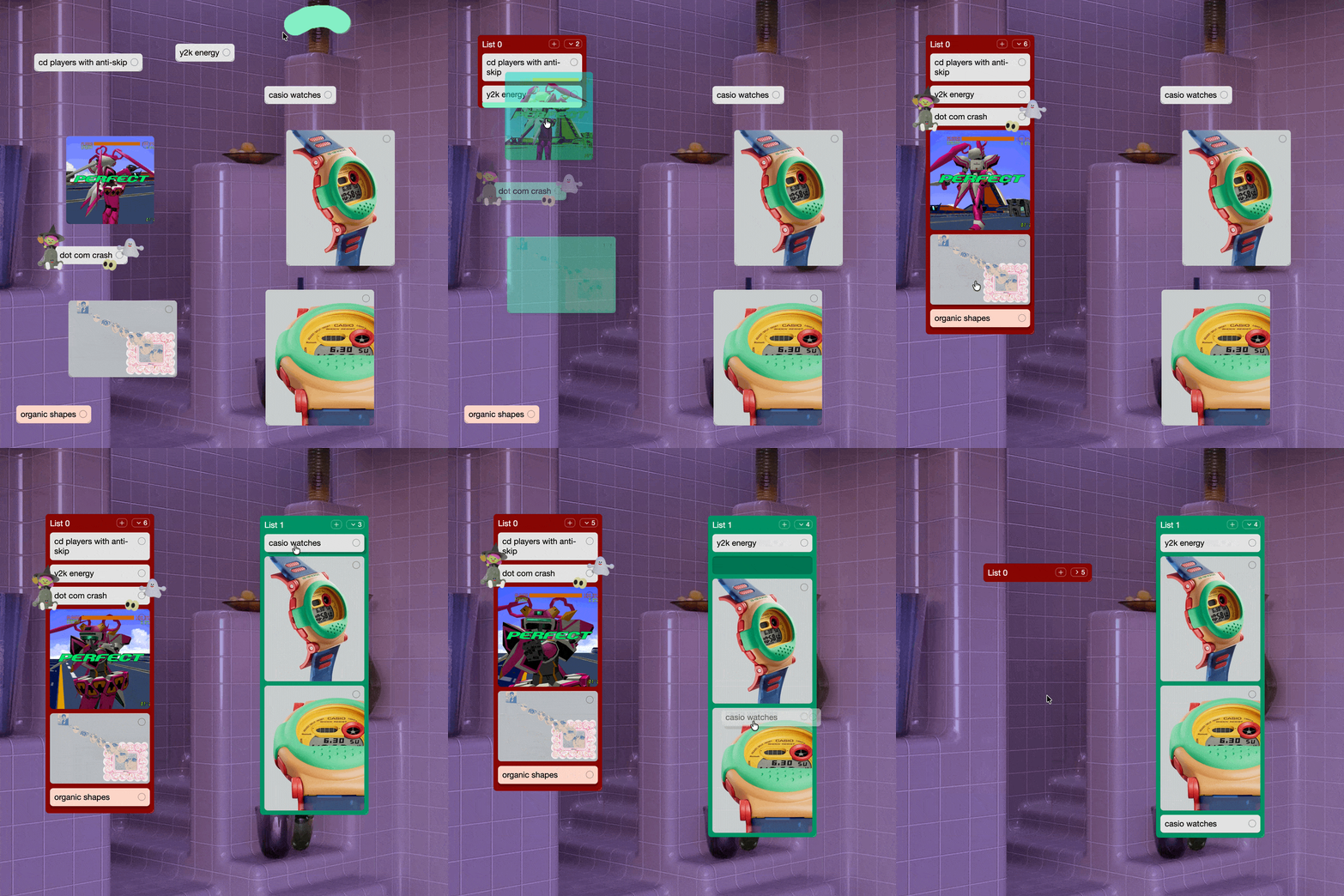
Lists are possibly the biggest update to Kinopio in years. Vertically group and easily reorder cards in Kanban-style lists. This started as a feature request from 2022, but it took this long to figure out how to do it right.
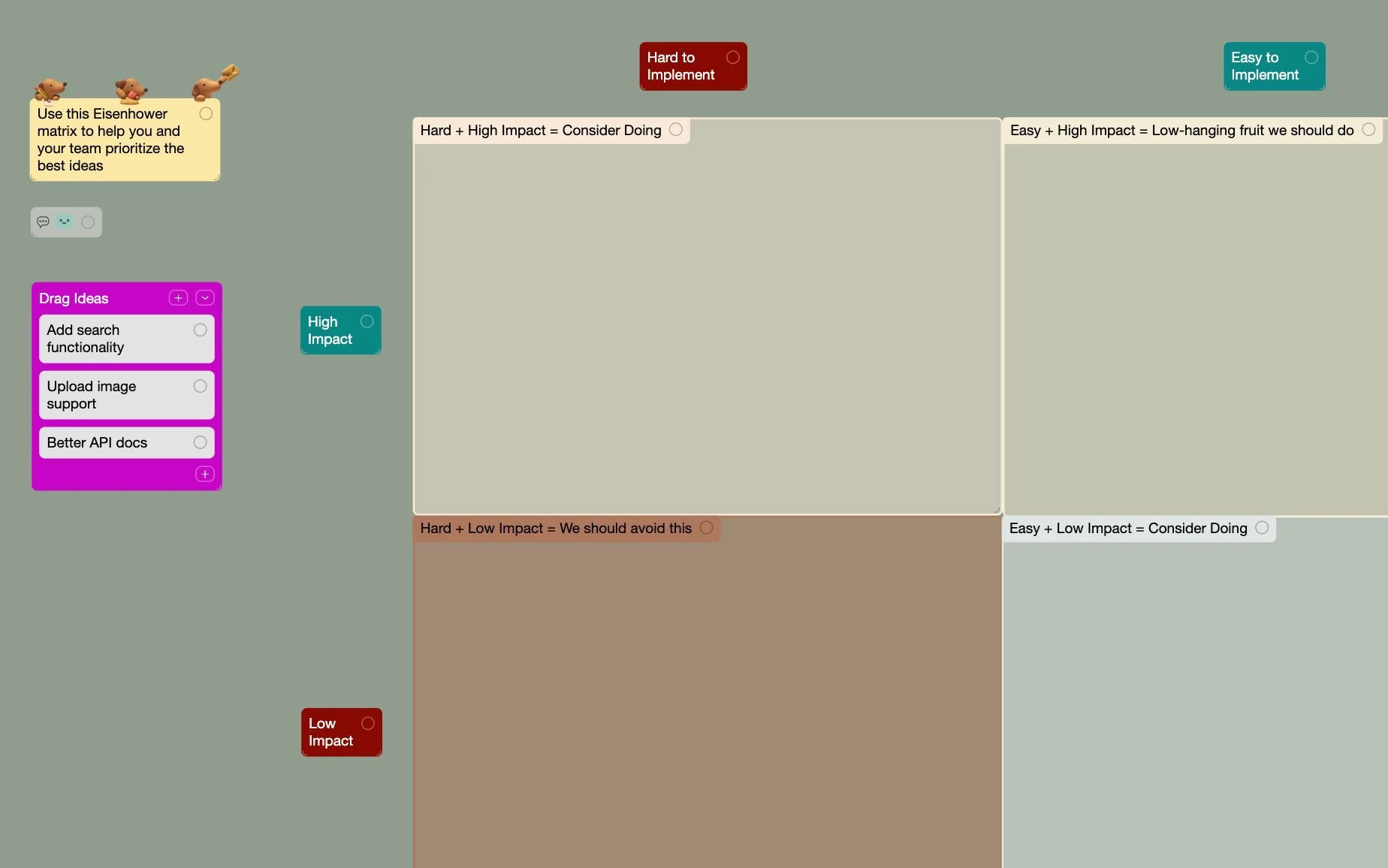
To show off the creative and productive potential of lists, we have all new Templates for life and work. Including hits like Calendar, Project & Issue Tracker, and Personal Dashboard.
In the bottom-right, you can toggle on a Little Minimap to help explore spaces. It's little, beautiful, and fast.
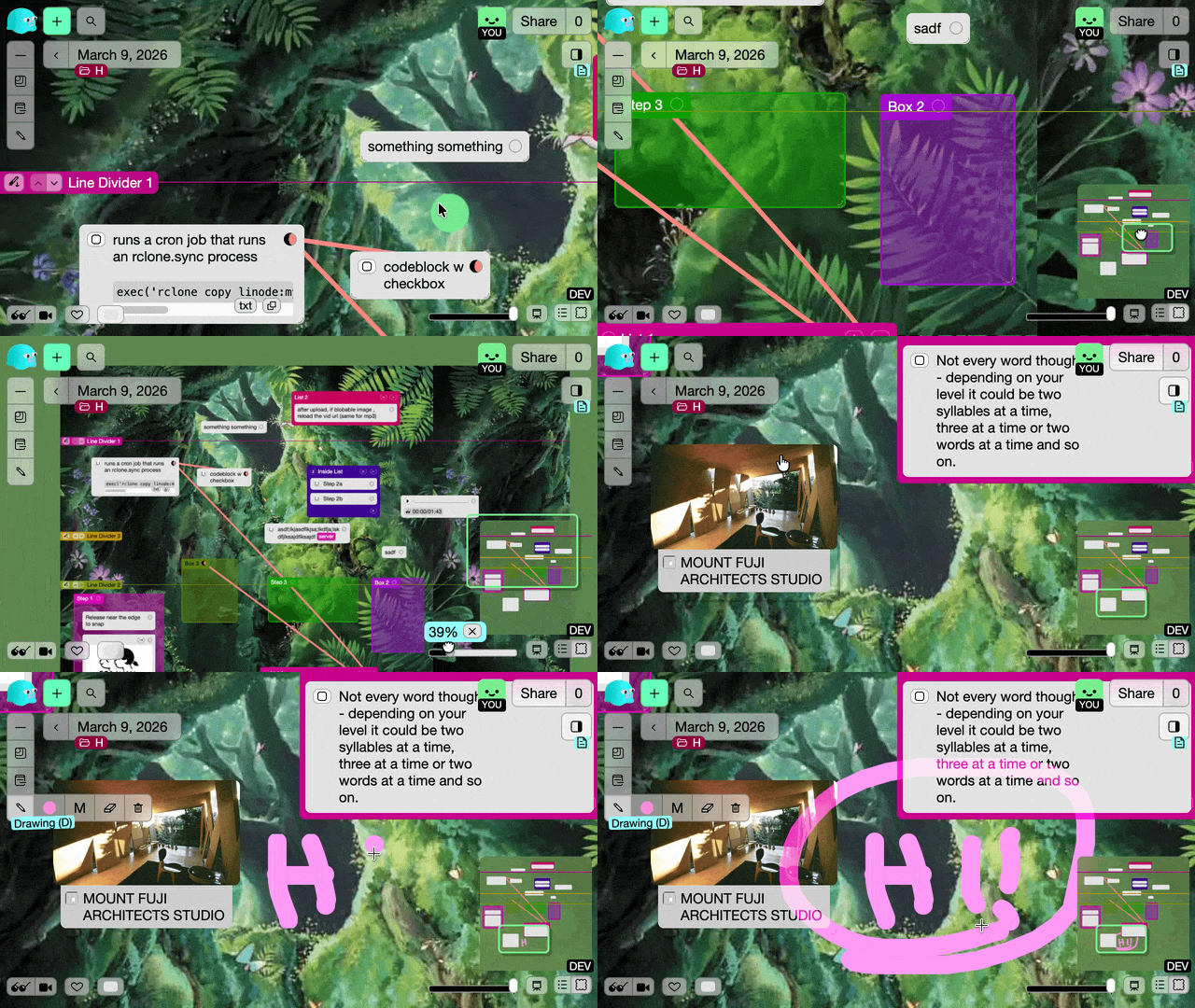
Next to the minimap button, use the TOC to jump between lines, lists, and boxes sorted by Y position.
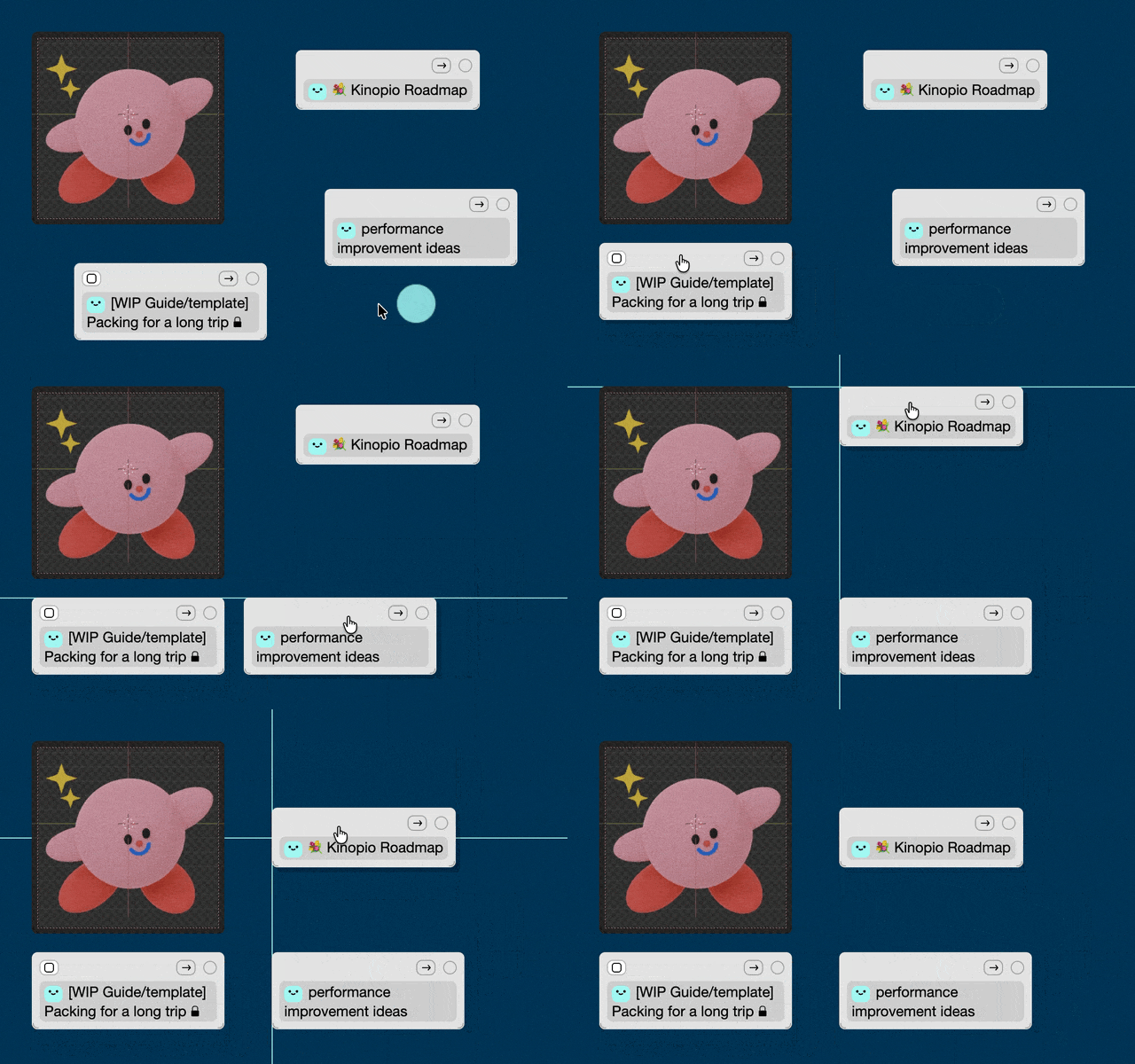
Hold shift while dragging cards, boxes, or lists to Snap Align them up perfectly with nearby items. When this released, it especially resonated with people who really value having their cards neatly organized. (I'm a bit messier, but I get the appeal!)
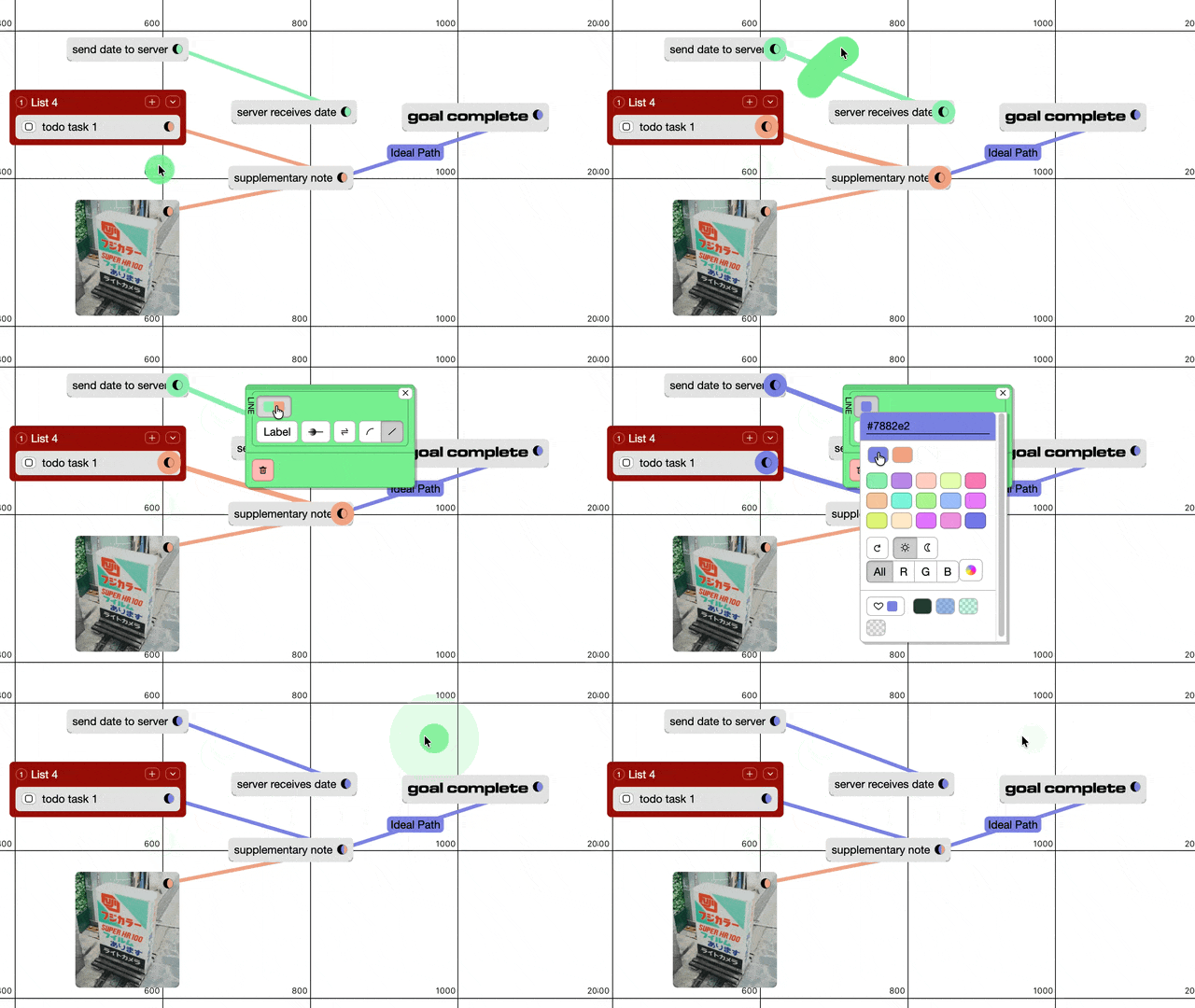
Over the years I've noticed people, including myself, stumbling over how connections worked. If you wanted to change the color of a single line, you first had to assign it a connection type which let you share that color with other lines – unlike how card, list, or box colors can be edited directly. So after a bit of community planning, Connections Were Simplified so you can edit names and colors directly, like the other item types.
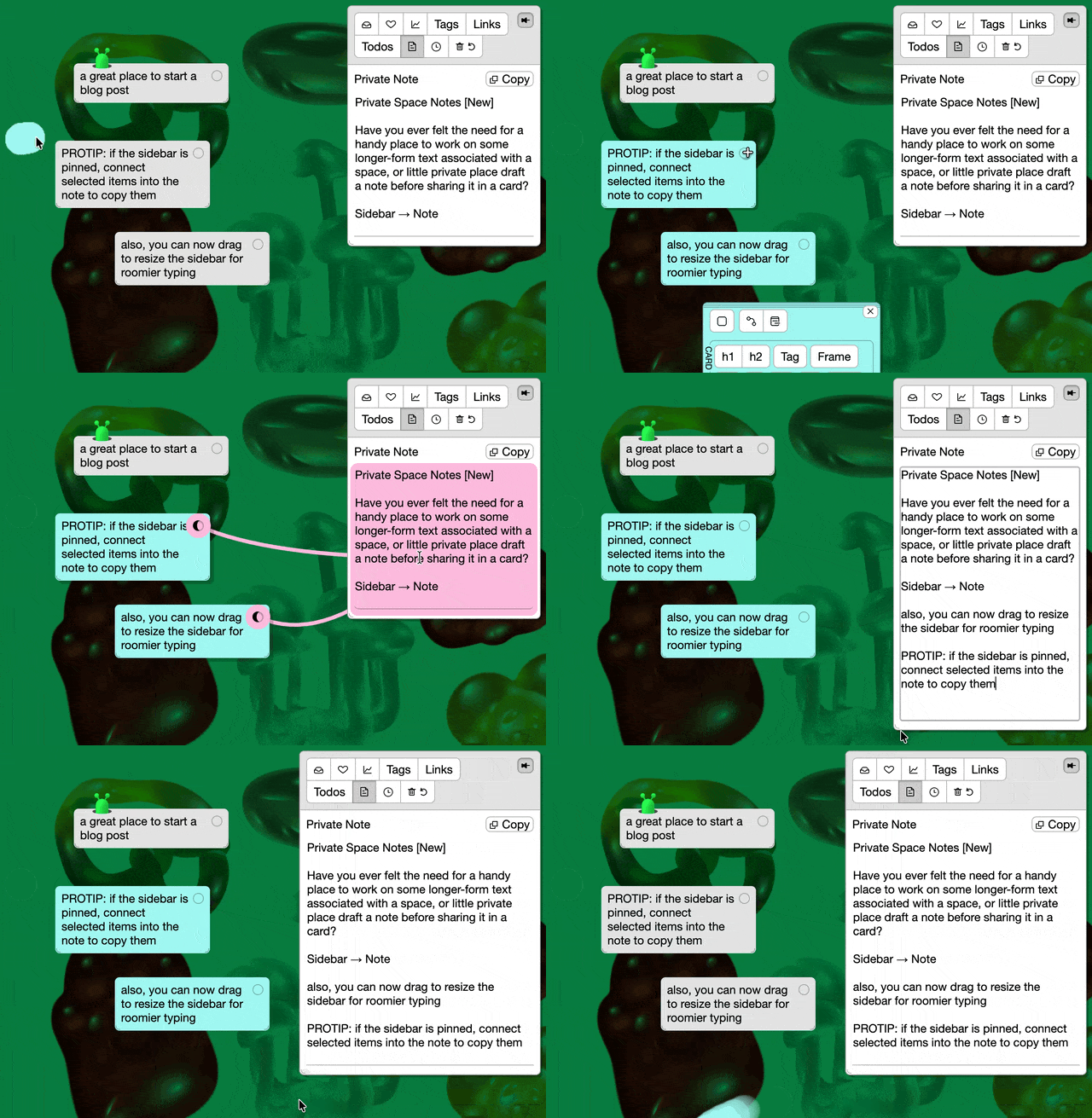
Have you ever felt the need for a handy place to work on some longer-form text associated with a space, or little private place to draft an email or blog post next to your research? For each space you get your own personal Sidebar Note that only you can see. TBH I built this one for me, but I hope you find it handy too.
The Teams Pilot Program was started to learn how teams use Kinopio to have more effective meetings, kickoff projects faster, and build things more effectively together. If you want to use Kinopio for work, I'll onboard your team, upgrade their accounts, and provide priority support. After 2 months or so we'll talk about how it went.
I'm working with a company that you and everyone you know have definitely heard of, and I have room for 1-2 more companies. So if you're interested in joining the program, reply to this email to let me know before spots fill up.
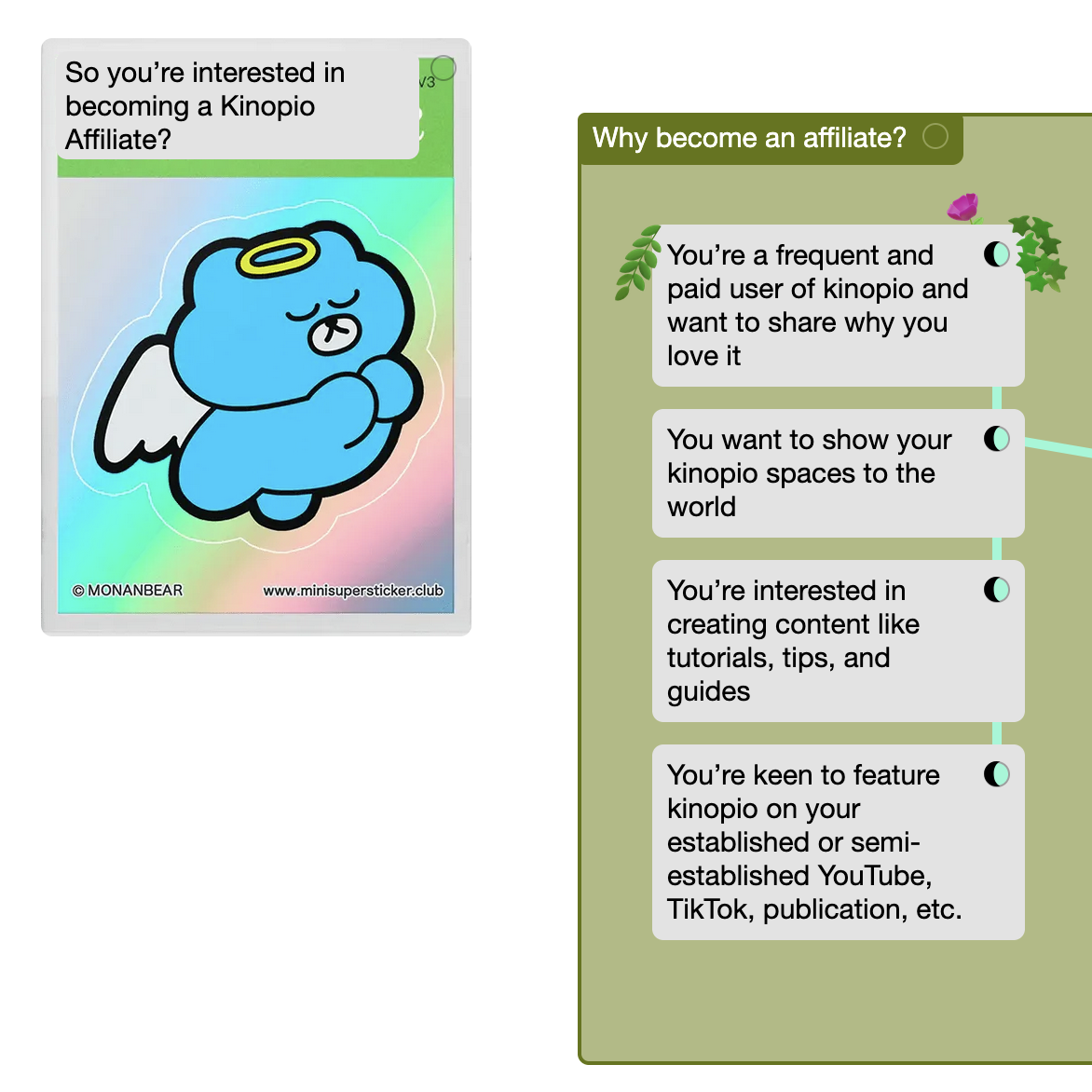
This one is for the storytellers. If you're a fan of kinopio and want to share it with your YouTube, TikTok, or IG audience you should join the new friends of kinopio Affiliate Program. Your viewers get 10% off, and you get paid 20% commissions. More info and apply here.
🙅♀️ And finally, after months of on-and-off R&D, I decided not to ship Dynamic Connection Lines. The idea with this was that as you dragged items, the connections between them would adjust their start and end positions to the nearest angle. This helped make lines easier to follow and allowed for more flow-chart-y diagram structures.
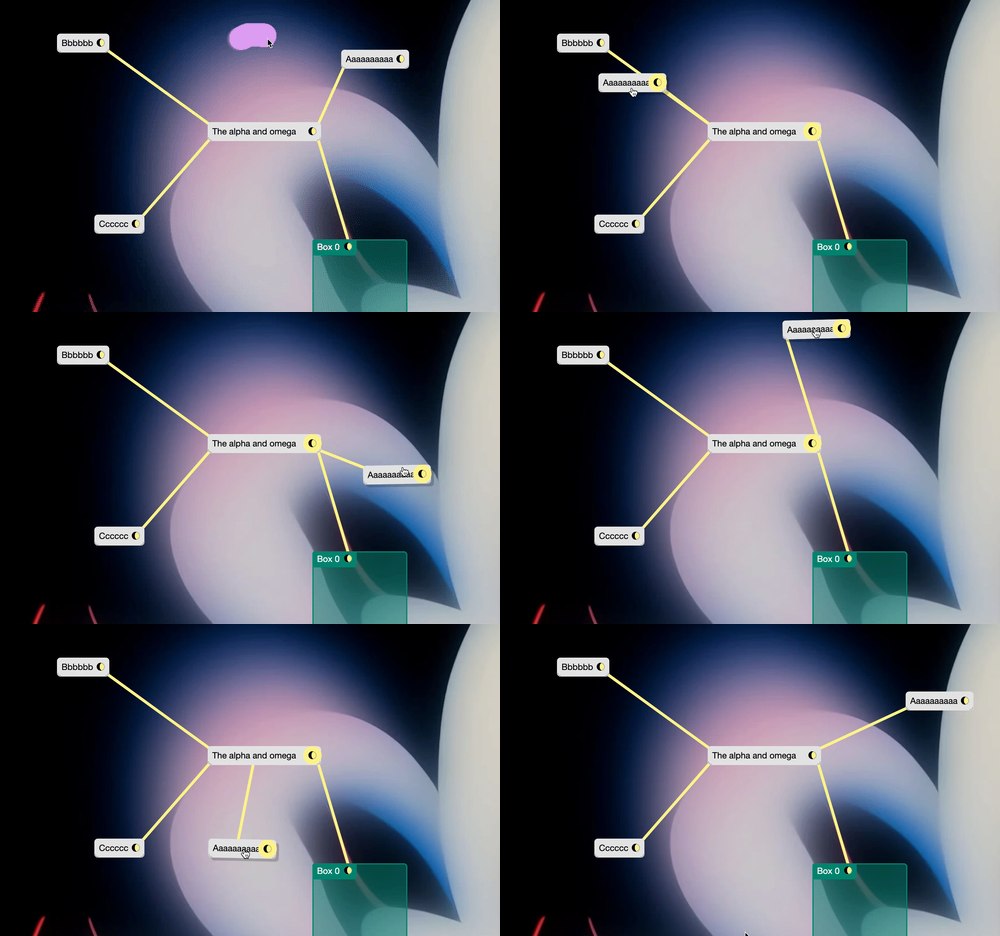
But while it demoed really nicely, I ended up shelving this for two reasons:
- The recent change to simplify connection types was shocking to enough people that I wanted to wait for the waves to settle.
- I just couldn't make the lines feel perfect in every condition. There was always some scenario where the connections would be technically correct, but look 'off'. I think auto-magically adapting lines is fundamentally the wrong approach.
On the bright side, snap align was spun off from this work and has proven to be a big hit.
See you on the road.
(*・_・)ノ⌒*
– Piri, Kinopio Creator