'%3e%3ccircle%20cx='3.5'%20cy='3.5'%20r='3.5'%20stroke-linecap='square'/%3e%3cpath%20stroke-linecap='round'%20d='M6.5%206.5l3%203'/%3e%3c/g%3e%3c/svg%3e)
 All Topics
Codeblocks
Add code snippets to cards, with syntax highlighting for different programming languages.
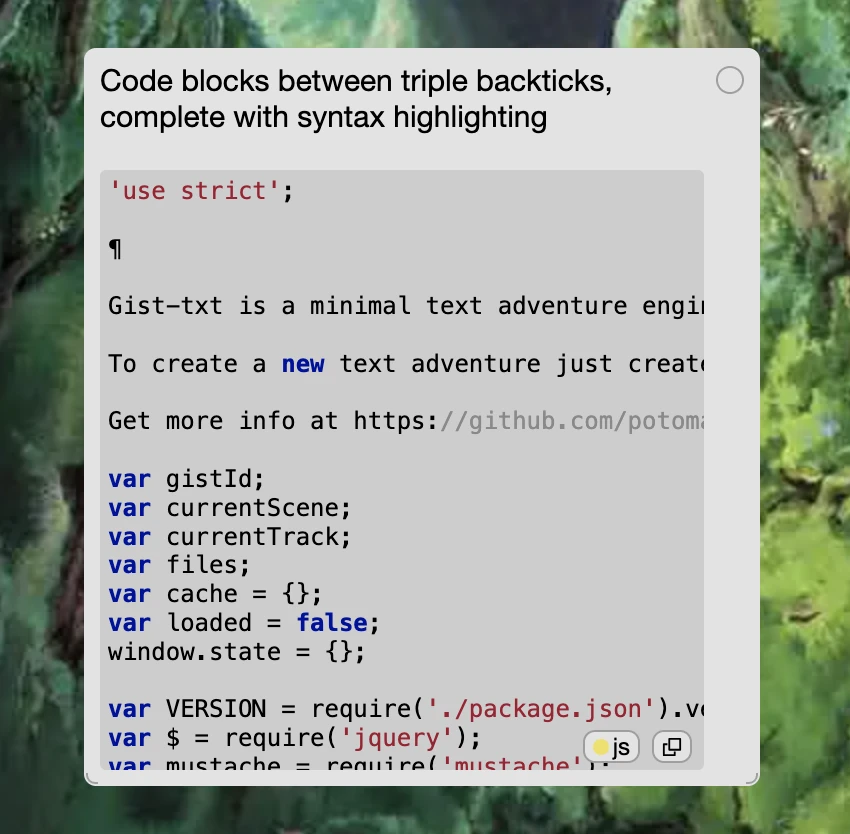
Just like standard markdown, enclose your code between triple backticks to make a codeblock:
```
const sum = (a, b) => {
  return a + b
}
```
For short snippets inside a sentence, use single backticks to write inline code.
Syntax Highlighting
Use the code language button on the card to select a programming language.
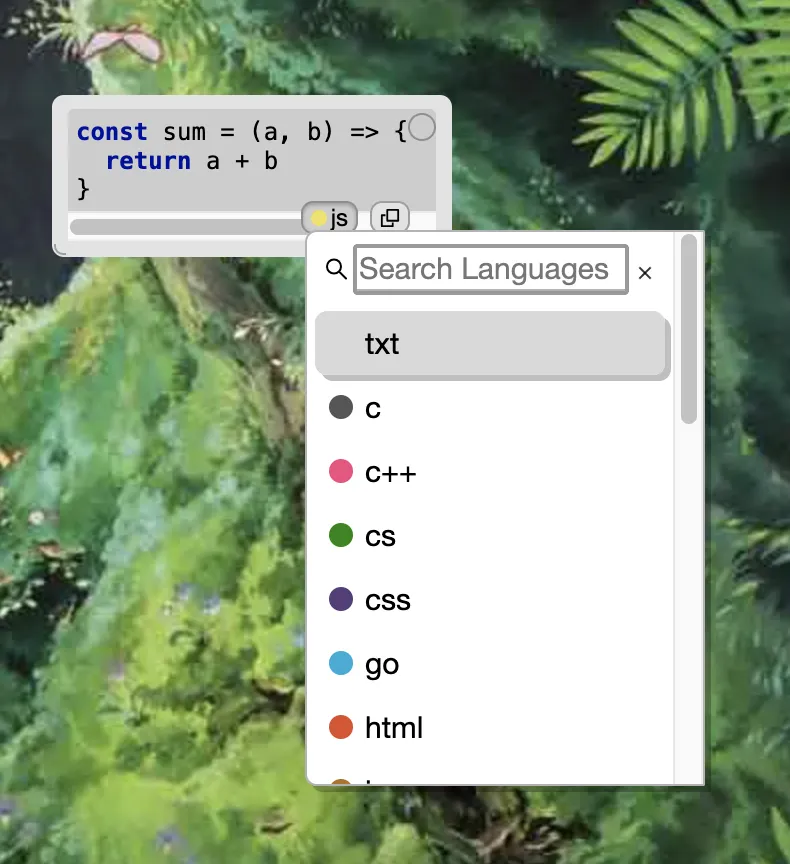
You can also start the codeblock with the language name to skip the language picker:
```js
const sum = (a, b) => {
  return a + b
}
```
Supported languages are: c, c++, cs (or c#), css, go, html, java, js (or ts, tsx), json, kotlin, latex (or tex), php, python, r, ruby, rust, shell, sql, and swift.
LaTeX
Codeblocks with the latex language selected are rendered as math equations. Learn more about LaTeX Support.
Codeblock Pro-Tips
- use the copy button on the card to copy the code
- you can change the card editing behaviour of
shift-enterto line break to make multi-line input easier - you can add multiple codeblocks to a card