
 All Topics
Per Space Settings
Open Space Settings by clicking the Space Settings button in the footer.
Settings can apply to the Current Space only, or to All Spaces. Current Space settings override All Spaces settings.
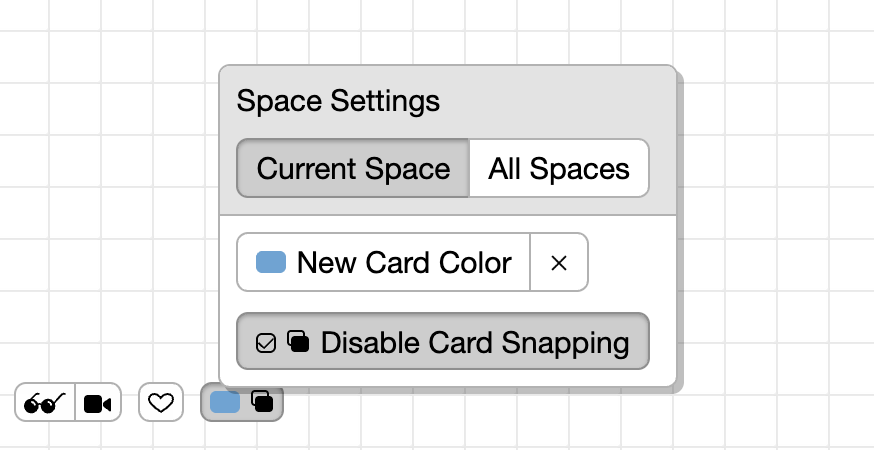
New Card Color
Choose the default color for new cards that you create. Set it for the current space, or for all spaces. Click the × button to clear it and go back to the default.
Disable Card Snapping
By default when you drag a card onto another card they snap together to form a list. But there are times when you might want that.
Sometimes I like to overlap images for a messy mood board aesthetic, but in other spaces I want things nice and neat and organized.
The Disable Card Snapping button will set your preference to disable snapping in the current space. When snapping is disabled you’ll also see an icon on the space settings button to remind you.